Back
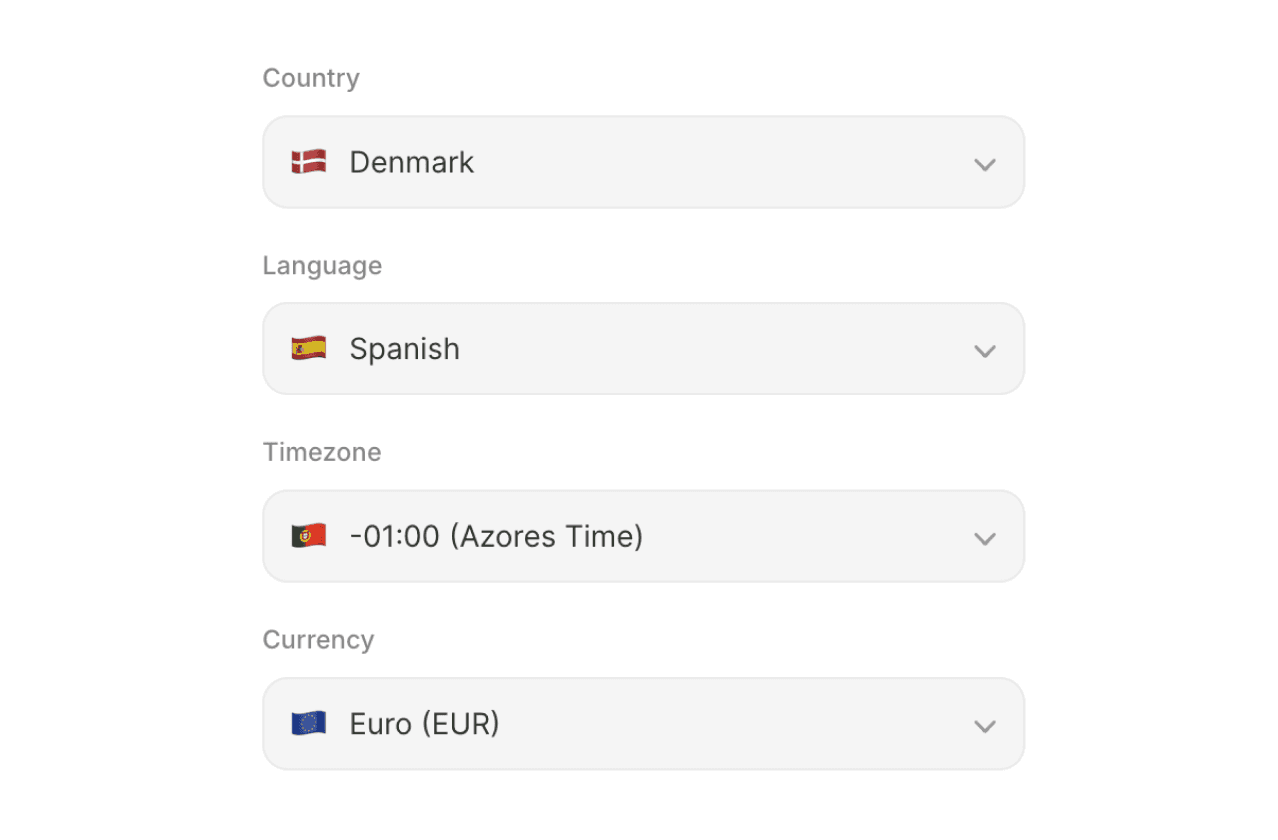
Country, Language, Timezone & Currency Form Selector
This component is a fully styled dropdown selector for your Framer forms that lets users pick a country, language, timezone, or currency from a searchable list. It comes preloaded with data for all four types that you can customize and works natively with Framer's form submission system - meaning selections get captured and sent just like any other form field, including free email notifications and Google Sheets integrations.
0
Status
Working
Code Component
Yes
This is a part of the 300+ components, layouts, templates, UI Kits and code overrides from the SegmentUI. Learn More. We also have a library of freebies here
Instructions
Go to Insert → Form Builder in Framer to create a native Framer form on your canvas.
Copy the component code from the site and paste it directly into your Framer project file.
Place the Custom Selector component inside the Form Builder frame — it will not capture form data if placed outside it.
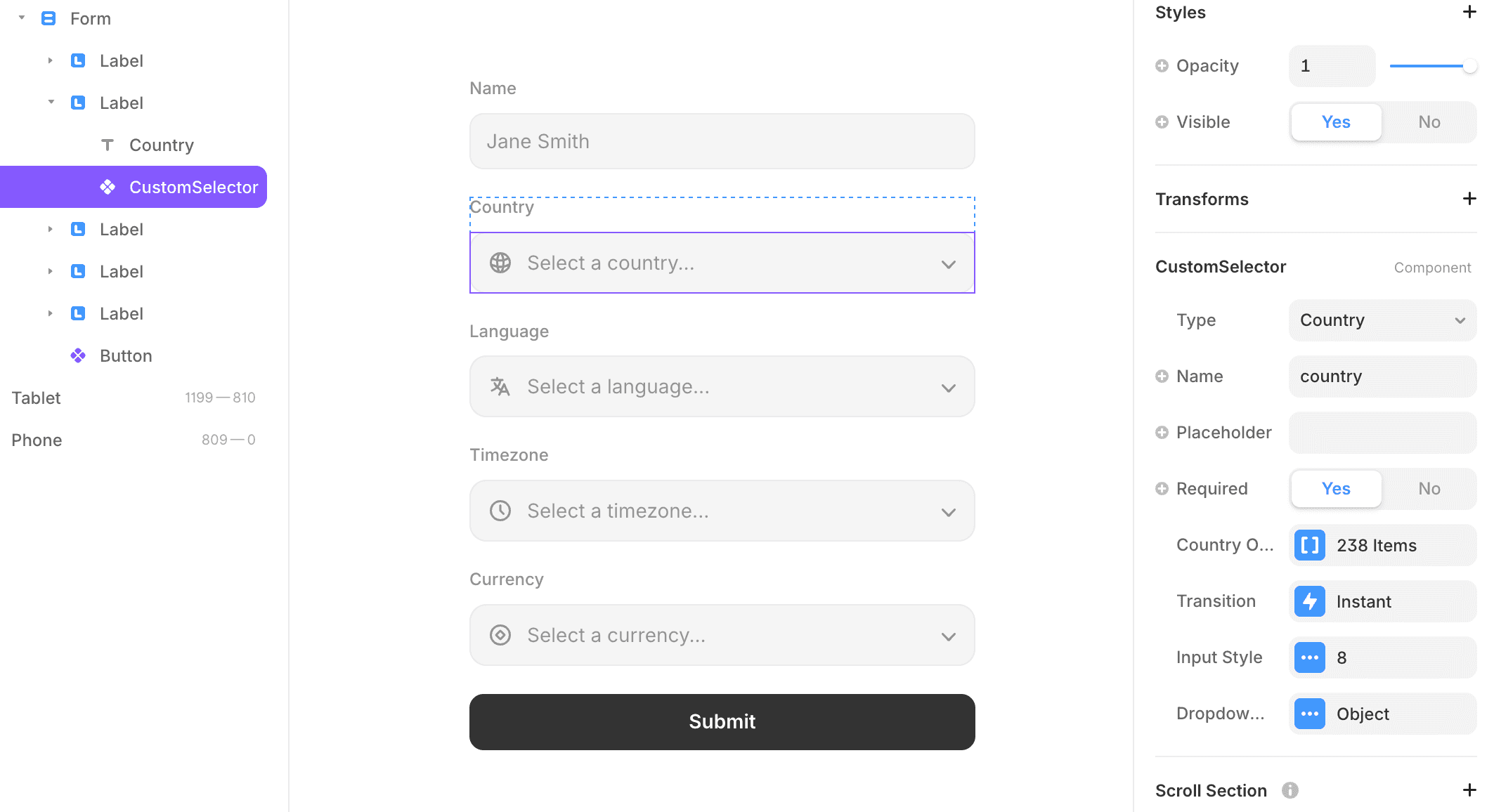
In the right panel, set the Type (Country, Language, Timezone, or Currency), give it a Name (this is the field label that appears in your form submission), and optionally set a Placeholder and Default Value.
Adjust all visual settings — colours, fonts, border, focus style, dropdown appearance, and icon — under Input Style and Dropdown Style in the right panel.
Connect your form's submit button to Framer's native form actions (email or Google Sheets) as usual — the selector's value will be included automatically
How it Works
The component works as a form input, so it must live inside a native Framer form to function correctly. Once placed, you can switch between the four selector types (Country, Language, Timezone, Currency) from the property panel. You can set a placeholder, a default pre-selected value, and toggle whether the flag/icon and dropdown arrow are visible. The Input Style section lets you control the look of the trigger button — background, border, focus state, padding, font, and the arrow icon. The Dropdown Style section controls the list that appears — background, border radius, shadow, option hover/selected colours, and the search box at the top. You can also set the field name (used in form submissions) and mark it as required.
Frequently Asked Questions
How do I customize a code component?
Can I get the code file for this?
I'm having issues with this component. What should I do?
How can i make this responsive?
What is SegmentUI Pro?
SegmentUI Pro is a UI kit and component library containing 500+ assets, components, power ups, upgrades, code overrides, layouts, design systems, Premium templates and a custom Framer code generator. You can preview the UI Kit here.
Additionally, we have a Figma Design system to compliment the Framer components.
Our mission is simple - give superpowers to designers. Everything from the first pixel, education to code components. It's an ever growing, ever evolving set of tools for designer without the hefty price tag.
vs
Who is SegmentUI Pro For?
SegmentUI Pro is for Framer designers and template creators who want to power up their designs
After creating multiple templates and client projects myself, I realised one thing - In order to make more revenue, you need to give more value. This was the main intent behind SegmentUI. To empower designers and to be able to allow them to deliver more value for the time they spend
SegmentUI Pro is for Framer designers and template creators who want to power up their designs
After creating multiple templates and client projects myself, I realised one thing - - In order to make more revenue, you need to give more value. This was the main intent behind SegmentUI. To power up designers to and to be able to allow them to deliver more value for the time they spend


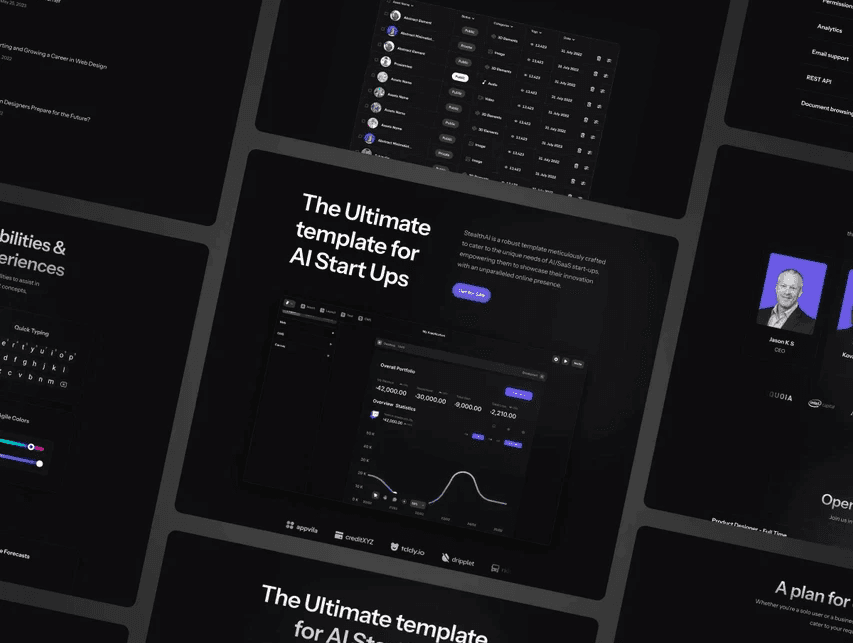
A 360° Design Solution
Constantly updating, constantly evolving tools for Framer and Figma. Build more, design faster, sell more, charge more
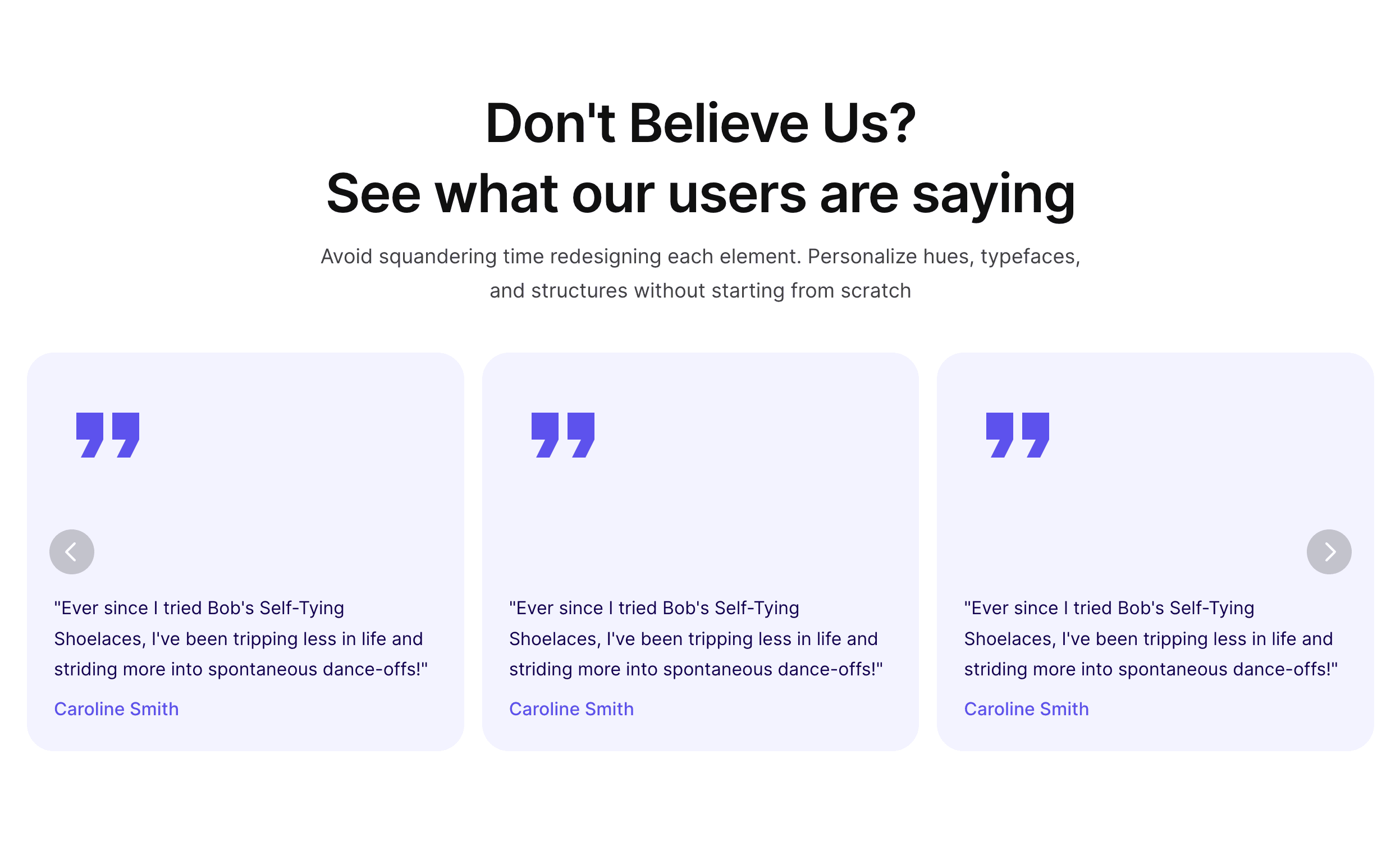

Loved by Designers, Developers and Founders
See what our 8000+ customers have to say








Jorn van Dijk
@jornvandijk
Founder & CEO of Framer
"Some examples of things I love
….
https://segmentui.com"


Marc Andrew
@mrcndrw
Founder, Cabanna Design System
"This is a no-brainer. Nabeel is a master at his craft and someone who only builds products of extreme value to the end-user. 100% recommend."


Carlos G
@CarlosGeeronimo
Framer Designer
"Anyone who creates things with Framer should keep the SegmentUI kit in mind to improve their workflow!"

dudu
@Duduagency
Founder, ToolFolio
"@itsnotnabeel is adding Value to Segment UI Every. Single. Day. One of my favorite @framer Resources out there"


Ghostncrypt G
@ghostncrypt
Designer
"…SegmentUI has been one of the best value purchases I have made this year by far, with constant updates and a wide selection to choose from. “


Adheeb
@AdheebHameed
Design Engineer
"…Once you see some results, do not shy away from putting back into the business, it'll give you a better ROI than probably anywhere else in the world. I got tools that sped up my design, like @itsnotnabeel segment…"

dorian.pro
@doriandotpro
Framer Expert
"…I'm using @SegmentUI on 40-60% of my websites. As far as I know there's no better Framer boilerplate out there. And I'm not a55-kissing you, I'm happy I purchased the account. Cheers and kudos!"


Breeje Anadkat
@BreejeAnadkat
Product Designer
"...Segment UI by @itsnotnabeel is one of the best ones out there"

Alex Peña
@iialexp
Designer
"Yooo this thing saves so much time bro"

Danny Sapio
@Dannysapio
Founder, FramerOverrides, FramerAuth
"If you're a freelancer, agency, or just someone who makes a lot of Framer sites then this such a solid investment and time saver. Nabeel you crushed it on this one dude!"

Justin Farrugia
@justinmfarrugia
Designer
"…segment UI is my go to for pretty much every framer project nowadays..."

Widya Bayu W
@RalconStudio
Framer Designer
I’ve purchased the @SegmentUI Pro version yesterday, and I can say it’s been a real time-saver for my client projects!
SegmentUI is an advanced component library for Framer.
Since I don’t know how to code, I bought it to save time and work more efficiently.
Highly recommended!
I purchased it because my last two projects required custom code components that I couldn’t create myself, so I think it’s a great investment!

Isaac
@ikereyes1984
Graphic Designer
"i bought this and it’s such a good deal with the pro package
you get like 4 or 5 free quality templates with it too
i’m pretty sure he’s still adding more components to it too which makes its easy for template building 👍🏻"

Unlock everything with a one time payment
For the fraction of your next project, you can boost your workflow by 10 folds
Pro
$99
One Time Payment

Full Access to the Figma UI Kit

Full Access to the Framer UI Kit
Full Access to the Framer Code Components & CMS Upgrades
Full Access to Framer Plugins
Full Access to 4 Premium Framer Templates
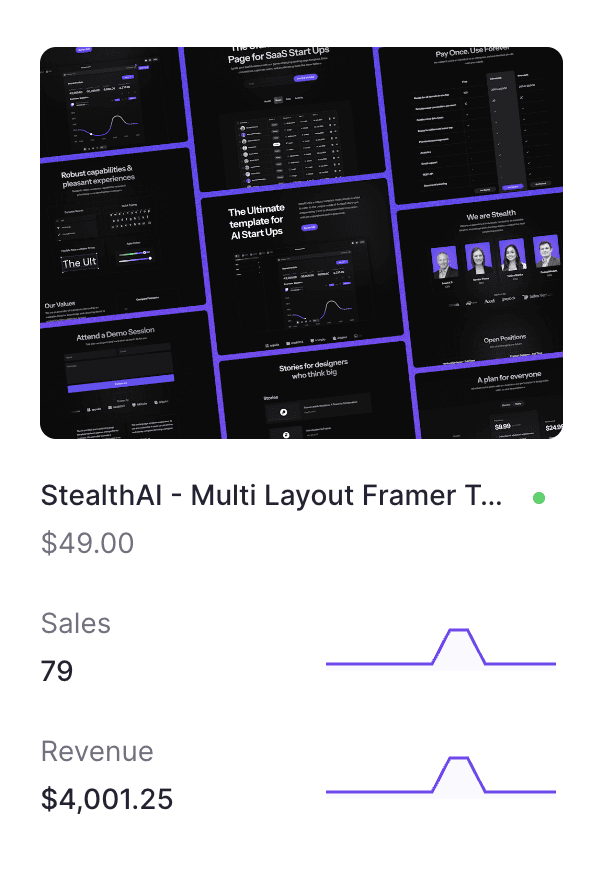
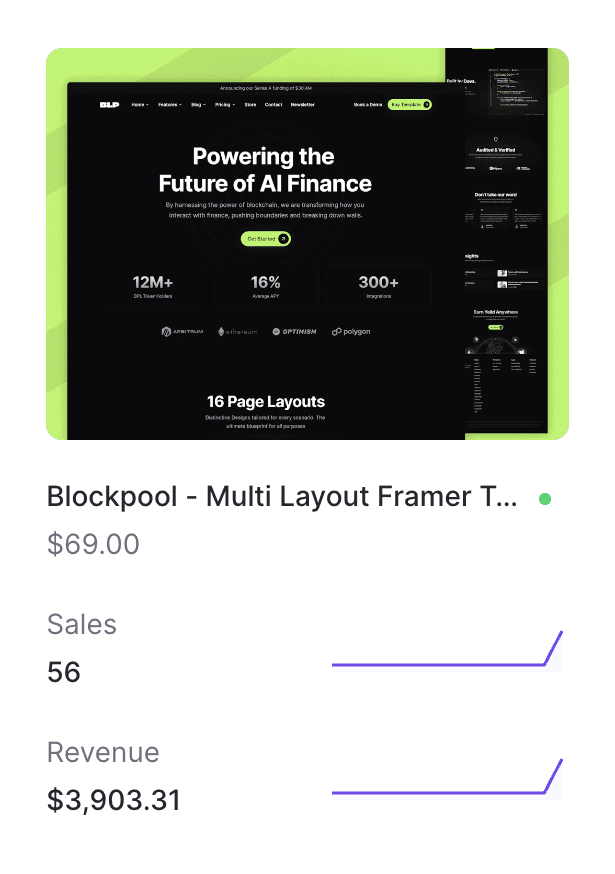
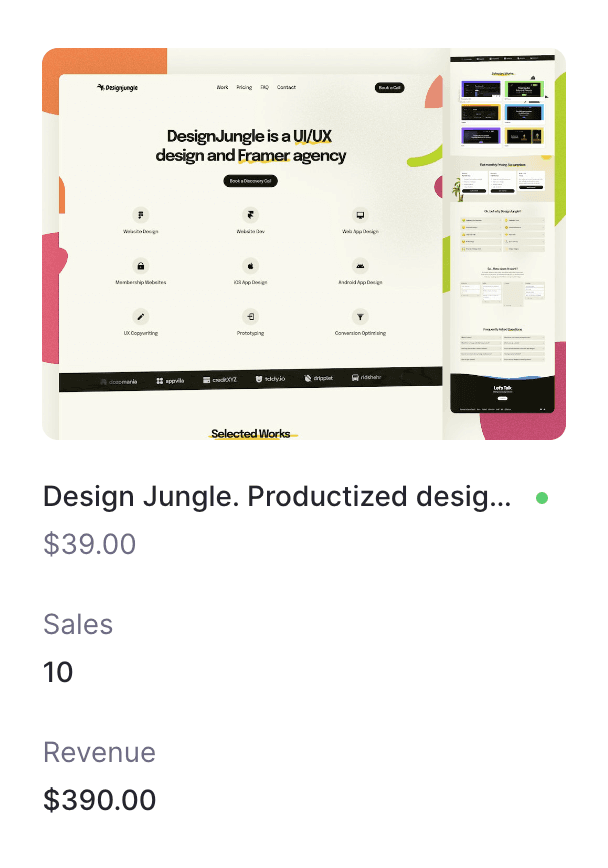
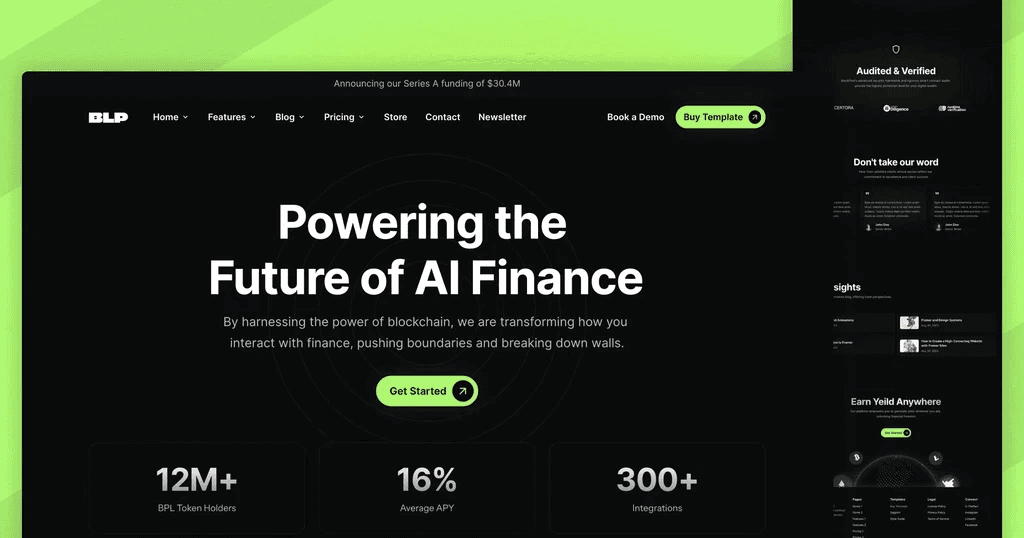
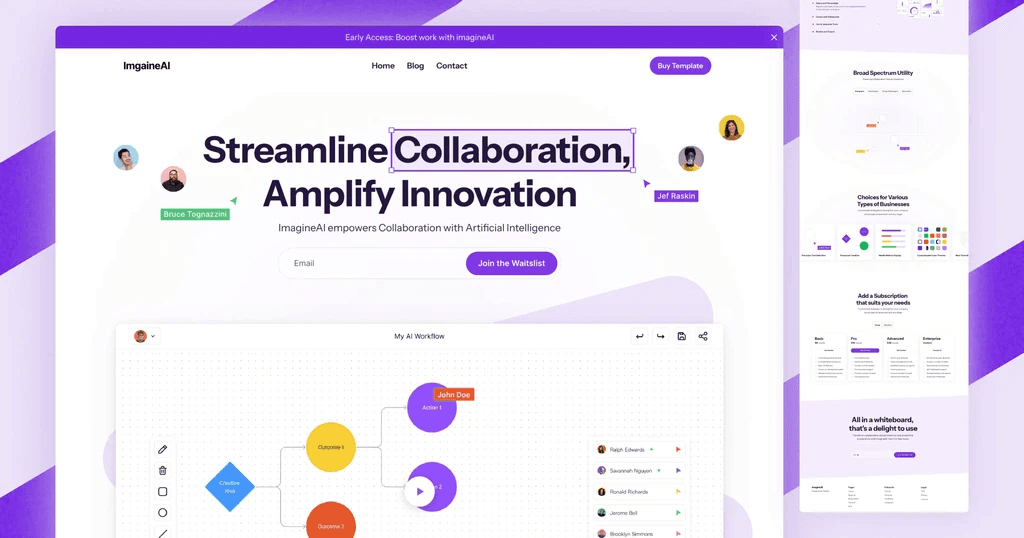
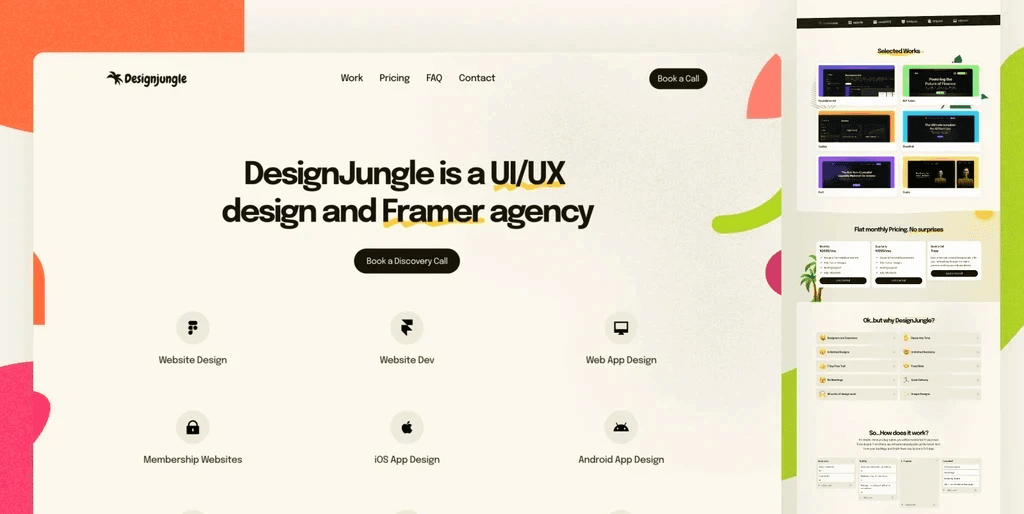
StealthAI, BlockPool, DesignJungle, imagineAI worth $200+
Full Access to Framer Code Genie GPT
Request Components & Layouts
Get Updates Forever
Light, Dark & Dynamic Modes
Use for Unlimited Projects
Commercial License Only
Use for personal and client projects
Pro Creator
$199
One Time Payment
Everything in Pro
Template & Commercial License
Use UI Kit to create unlimited client projects and templates
Frequently Asked
For anything not covered here, mail us at hello@segmentui.com
General
What is SegmentUI?
Is it for Figma or Framer?
How do I access after purchasing?
License
Is atttribution required?
How does the licenses work?
Can I use it to create client projects?
Can I use it to create Framer templates?
Do my clients need to pay after I purchase?
Pricing
Is there a free version?
Do you have a student discount?
Will I get future updates if I purchase now?
Is this a one time payment or a subscription?
What is the difference between Pro and Pro Creator Access?


Supercharge Your Design Workflow
1000+ variations of styles, components, interactions, layouts, transforms, code overrides, code components for Framer & Figma. Power Up Now!







Links
Latest Framer Releases
Freebie Library
Latest Templates
CMS Upgrades
Directories
Figma Screens
Figma Components
Blog
A 360° Design Solution
Constantly updating, constantly evolving tools for Framer and Figma. Build more, design faster, sell more, charge more
Loved by Designers, Developers and Founders
See what our 8000+ customers have to say
Jorn van Dijk
@jornvandijk
Founder & CEO of Framer
"Some examples of things I love
….
https://segmentui.com"
Marc Andrew
@mrcndrw
Founder, Cabanna Design System
"This is a no-brainer. Nabeel is a master at his craft and someone who only builds products of extreme value to the end-user. 100% recommend."
Carlos G
@CarlosGeeronimo
Framer Designer
"Anyone who creates things with Framer should keep the SegmentUI kit in mind to improve their workflow!"
dudu
@Duduagency
Founder, ToolFolio
"@itsnotnabeel is adding Value to Segment UI Every. Single. Day. One of my favorite @framer Resources out there"
Adheeb
@AdheebHameed
Design Engineer
"…Once you see some results, do not shy away from putting back into the business, it'll give you a better ROI than probably anywhere else in the world. I got tools that sped up my design, like @itsnotnabeel segment…"
dorian.pro
@doriandotpro
Framer Expert
"…I'm using @SegmentUI on 40-60% of my websites. As far as I know there's no better Framer boilerplate out there. And I'm not a55-kissing you, I'm happy I purchased the account. Cheers and kudos!"
Breeje Anadkat
@BreejeAnadkat
Product Designer
"...Segment UI by @itsnotnabeel is one of the best ones out there"
Alex Peña
@iialexp
Designer
"Yooo this thing saves so much time bro"
Danny Sapio
@Dannysapio
Founder, FramerOverrides, FramerAuth
"If you're a freelancer, agency, or just someone who makes a lot of Framer sites then this such a solid investment and time saver. Nabeel you crushed it on this one dude!"
Widya Bayu W
@RalconStudio
Framer Designer
I’ve purchased the @SegmentUI Pro version yesterday, and I can say it’s been a real time-saver for my client projects!
SegmentUI is an advanced component library for Framer.
Since I don’t know how to code, I bought it to save time and work more efficiently.
Highly recommended!
I purchased it because my last two projects required custom code components that I couldn’t create myself, so I think it’s a great investment!
Isaac
@ikereyes1984
Graphic Designer
"i bought this and it’s such a good deal with the pro package
you get like 4 or 5 free quality templates with it too
i’m pretty sure he’s still adding more components to it too which makes its easy for template building 👍🏻"
Unlock everything with a one time payment
For the fraction of your next project, you can boost your workflow by 10 folds
Pro
$99
One Time Payment
Full Access to the Figma UI Kit
Full Access to the Framer UI Kit
Full Access to the Framer Code Components & CMS Upgrades
Full Access to Framer Plugins
Full Access to 4 Premium Framer Templates
StealthAI, BlockPool, DesignJungle, imagineAI worth $200+
Full Access to Framer Code Genie GPT
Request Components & Layouts
Get Updates Forever
Light, Dark & Dynamic Modes
Use for Unlimited Projects
Commercial License Only
Use for personal and client projects
Pro Creator
$199
One Time Payment
Everything in Pro
Template & Commercial License
Use UI Kit to create unlimited client projects and templates
Frequently Asked
For anything not covered here, mail us at hello@segmentui.com
General
What is SegmentUI?
Is it for Figma or Framer?
How do I access after purchasing?
License
Is atttribution required?
How does the licenses work?
Can I use it to create client projects?
Can I use it to create Framer templates?
Do my clients need to pay after I purchase?
Pricing
Is there a free version?
Do you have a student discount?
Will I get future updates if I purchase now?
Is this a one time payment or a subscription?
What is the difference between Pro and Pro Creator Access?
Supercharge Your Design Workflow
1000+ variations of styles, components, interactions, layouts, transforms, code overrides, code components for Framer & Figma. Power Up Now!
Links
Latest Framer Releases
Freebie Library
Latest Templates
CMS Upgrades
Directories
Figma Screens
Figma Components
Blog
A 360° Design Solution
Constantly updating, constantly evolving tools for Framer and Figma. Build more, design faster, sell more, charge more
Loved by Designers, Developers and Founders
See what our 8000+ customers have to say
Jorn van Dijk
@jornvandijk
Founder & CEO of Framer
"Some examples of things I love
….
https://segmentui.com"
Marc Andrew
@mrcndrw
Founder, Cabanna Design System
"This is a no-brainer. Nabeel is a master at his craft and someone who only builds products of extreme value to the end-user. 100% recommend."
Carlos G
@CarlosGeeronimo
Framer Designer
"Anyone who creates things with Framer should keep the SegmentUI kit in mind to improve their workflow!"
dudu
@Duduagency
Founder, ToolFolio
"@itsnotnabeel is adding Value to Segment UI Every. Single. Day. One of my favorite @framer Resources out there"
Adheeb
@AdheebHameed
Design Engineer
"…Once you see some results, do not shy away from putting back into the business, it'll give you a better ROI than probably anywhere else in the world. I got tools that sped up my design, like @itsnotnabeel segment…"
dorian.pro
@doriandotpro
Framer Expert
"…I'm using @SegmentUI on 40-60% of my websites. As far as I know there's no better Framer boilerplate out there. And I'm not a55-kissing you, I'm happy I purchased the account. Cheers and kudos!"
Breeje Anadkat
@BreejeAnadkat
Product Designer
"...Segment UI by @itsnotnabeel is one of the best ones out there"
Alex Peña
@iialexp
Designer
"Yooo this thing saves so much time bro"
Danny Sapio
@Dannysapio
Founder, FramerOverrides, FramerAuth
"If you're a freelancer, agency, or just someone who makes a lot of Framer sites then this such a solid investment and time saver. Nabeel you crushed it on this one dude!"
Widya Bayu W
@RalconStudio
Framer Designer
I’ve purchased the @SegmentUI Pro version yesterday, and I can say it’s been a real time-saver for my client projects!
SegmentUI is an advanced component library for Framer.
Since I don’t know how to code, I bought it to save time and work more efficiently.
Highly recommended!
I purchased it because my last two projects required custom code components that I couldn’t create myself, so I think it’s a great investment!
Isaac
@ikereyes1984
Graphic Designer
"i bought this and it’s such a good deal with the pro package
you get like 4 or 5 free quality templates with it too
i’m pretty sure he’s still adding more components to it too which makes its easy for template building 👍🏻"
Unlock everything with a one time payment
For the fraction of your next project, you can boost your workflow by 10 folds
Pro
$99
One Time Payment
Full Access to the Figma UI Kit
Full Access to the Framer UI Kit
Full Access to the Framer Code Components & CMS Upgrades
Full Access to Framer Plugins
Full Access to 4 Premium Framer Templates
StealthAI, BlockPool, DesignJungle, imagineAI worth $200+
Full Access to Framer Code Genie GPT
Request Components & Layouts
Get Updates Forever
Light, Dark & Dynamic Modes
Use for Unlimited Projects
Commercial License Only
Use for personal and client projects
Pro Creator
$199
One Time Payment
Everything in Pro
Template & Commercial License
Use UI Kit to create unlimited client projects and templates
Frequently Asked
For anything not covered here, mail us at hello@segmentui.com
General
What is SegmentUI?
Is it for Figma or Framer?
How do I access after purchasing?
License
Is atttribution required?
How does the licenses work?
Can I use it to create client projects?
Can I use it to create Framer templates?
Do my clients need to pay after I purchase?
Pricing
Is there a free version?
Do you have a student discount?
Will I get future updates if I purchase now?
Is this a one time payment or a subscription?
What is the difference between Pro and Pro Creator Access?
Supercharge Your Design Workflow
1000+ variations of styles, components, interactions, layouts, transforms, code overrides, code components for Framer & Figma. Power Up Now!
Links
Latest Framer Releases
Freebie Library
Latest Templates
CMS Upgrades
Directories
Figma Screens
Figma Components
Blog